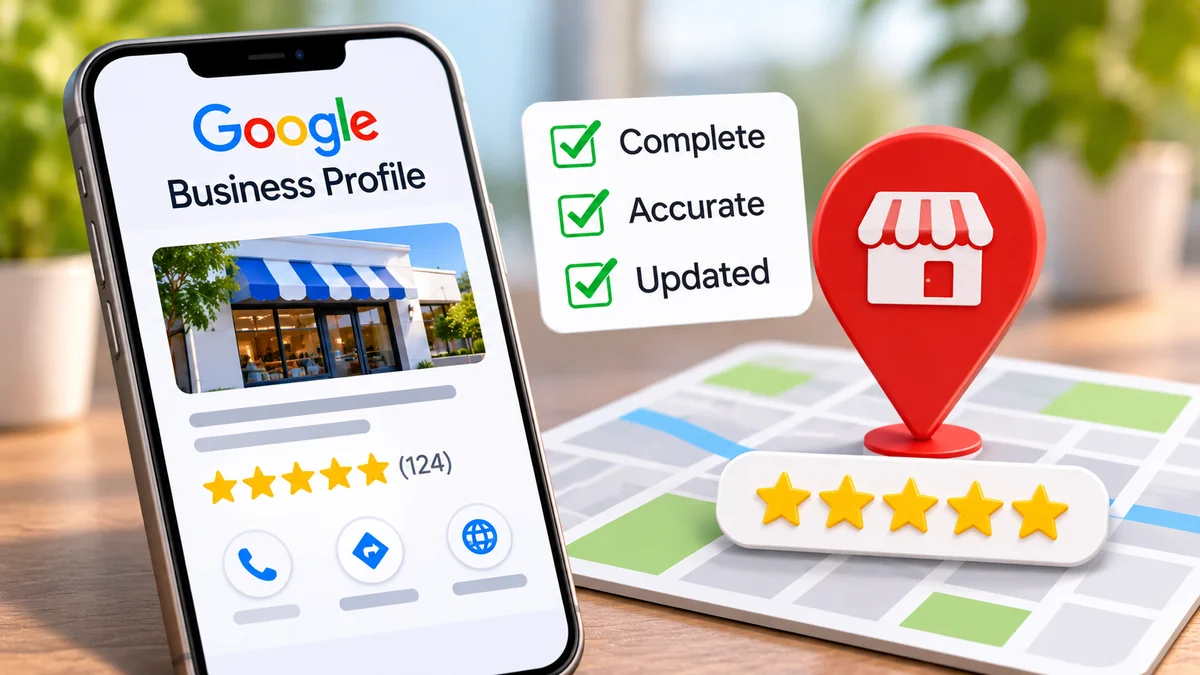
For a local business, your Google Business Profile often matters more than your website. When someone searches for “plumber near me,” the map results appear first. That block of photos, reviews and opening hours is your profile. Many people call, get directions or decide right there, without ever visiting your site.
Yet most profiles are only half finished. That means a few careful changes can put you ahead of competitors who set theirs up once and forgot it. These Google Business Profile tips follow roughly the order I’d work through them.
1. Choose the most specific main category
Your main category tells Google what kind of business you are. It’s also one of the strongest signals on your whole profile.
So pick the most specific option that’s true. For example, choose “Emergency veterinarian” over plain “Veterinarian” if emergencies are your focus. Then add a few secondary categories for other services you genuinely offer. However, avoid adding categories just to show up in more searches. It confuses Google and customers alike.
2. Use your real business name
Your profile name should match your sign, website and invoices. Adding keywords, like “Joe’s Plumbing, Best Emergency Plumber Denver,” breaks Google’s guidelines. It can even get your profile suspended, which is far worse than ranking a little lower.
3. Write a description that sounds like a person
You get 750 characters. That’s enough to explain what you do, who you help and what makes you different.
Write it the way you’d describe your business to a new customer on the phone. Also skip the keyword lists. They read badly, and they don’t help.
4. List your services properly
The services section is easy to overlook. Still, it helps Google understand exactly what you offer. Add each main service separately, with a sentence or two about it. One vague line covering everything won’t do much.
5. Keep your hours right, including holidays
Few things annoy customers more than driving to a closed shop because Google said it was open. So update your hours whenever they change. Before public holidays, set special hours too.
6. Add real photos, and keep adding them
Profiles with good photos tend to get more clicks and calls. Show your storefront, your team, your work and your products.
Use real pictures rather than stock images, because customers spot stock photos instantly. Then add a few new ones each month. Fresh photos show that your business is active.
7. Ask every happy customer for a review
Reviews matter a lot, both for local rankings and for trust. The method is simpler than most people hope. You just ask, every time a customer is happy.
Make it easy for them. Send a direct review link by text or email soon after the job. That’s when people are most likely to say yes.
8. Reply to every review
Thank people for good reviews, briefly and in your own words. With negative reviews, stay calm. Apologize where it’s fair, and offer to sort things out privately.
Future customers read your replies almost as closely as the reviews. In fact, a thoughtful reply to a bad review can build more trust than another five-star rating.
9. Publish the occasional post
Google lets you add short posts to your profile. These can be offers, news, events or useful tips. Each one takes a few minutes, and it keeps your profile looking alive. For most businesses, one post every week or two is plenty.
10. Add a booking link if you take appointments
If customers can book online, add that link to your profile. It turns a “maybe later” into a real appointment, straight from the search results. It also saves you a phone call.
11. Make sure your details match everywhere
Your name, address, phone number and website should be the same on your profile, your website and any directories. Small differences, like “St.” versus “Street,” don’t really matter. A different phone number or an old address, however, does.
12. Link to the right page, and track it
Your profile’s website link doesn’t have to point to your homepage. If you have a page for local customers, link there instead.
You can also add tracking to that link. Then your analytics will show exactly how many visits come from your profile.
If you work from home or at customers’ locations
You don’t have to show your address. Instead, set up your profile as a service-area business and list the areas you cover. Your home address stays private, and you can still appear in local results.
How long before you notice a difference?
Some changes, like better photos and a clearer description, can help within weeks. Reviews and regular posts build up more slowly, over several months. As with most SEO, small and steady beats one big burst.
FAQ
Is a Google Business Profile free? Yes. Creating and managing a profile costs nothing.
Can I have a profile without a shop or office? Yes. Service-area businesses, such as plumbers, cleaners and consultants, can have a profile without showing an address.
Why was my edit rejected? Google reviews many changes, especially to names, phone numbers and addresses. It rejects edits it can’t confirm. So make sure the new details also appear on your website, then try again after a few days.
How often should I post? Once every week or two is enough for most small businesses.
Need help setting up or tidying your profile? I offer Google Business Profile setup and monthly management. Get in touch for a quick quote.